



22Bet App | How to bet on your phone, the simple version
A friendly walkthrough of betting on 22Bet from your phone: why the browser may be all you need, how to install the app on Android and iOS, and how to keep your account safe.
Join NowGetting 22Bet onto your phone, the easy way
Let me start with the good news, because it will save some of you a job: you might not need to install anything at all. Open 22Bet in your phone’s browser and the whole thing is already there — the sport, the casino, your account, the lot. So before we talk about downloading an app, I want to make sure you actually want one, because a fair few people reading this will be perfectly happy without ever going near the App Store or an APK file.
That is not me steering you away from the app. It is a genuinely good app, and for some of you it will be the right call — I will tell you exactly who, in plain terms, a little further down. But I would rather you install it because it suits how you bet than because a website told you that you had to. So here is how I will lay this out: first the browser route, which asks nothing of you; then the app, on both Android and iPhone, since those two go about it quite differently and that difference catches people out. Think of me as the friend who has already done this on three phones and can tell you where the potholes are.
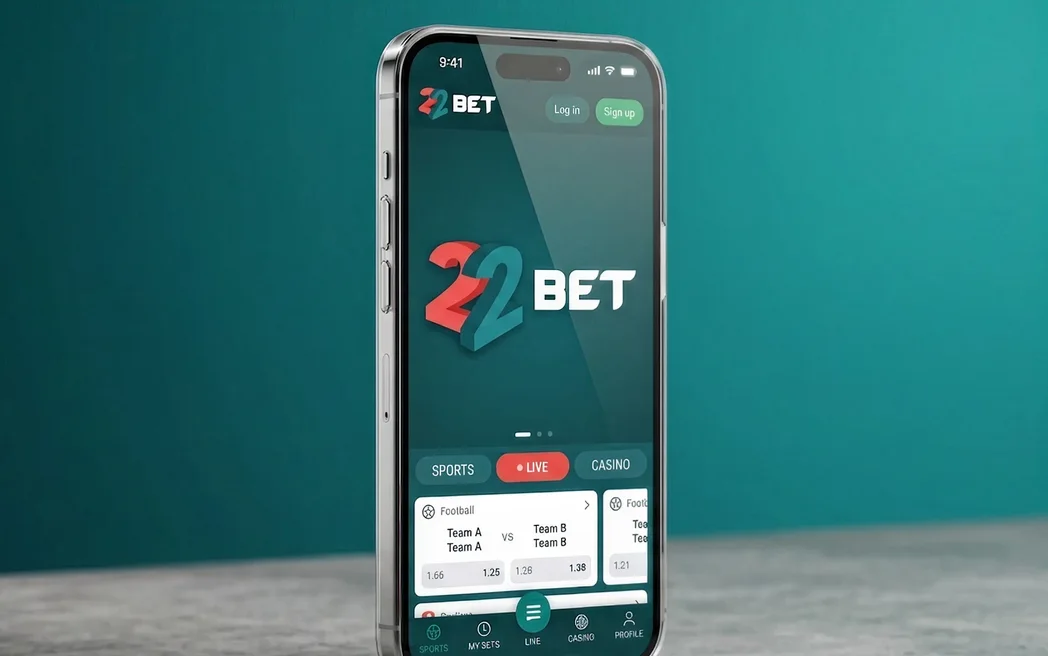
One quick housekeeping note that turns up on every 22Bet page. The operator runs on a Curaçao licence with a Kahnawake permit behind it — it is an international outfit rather than one tied to a single country’s regulator. Have a look at the rules where you live before you install anything. And, as ever, eighteen and over.
Starting on 22Bet with no download at all
If your phone is short on space, or you just would rather not fuss with settings, the mobile site is honestly a lovely way to bet. You open your browser, you go to the site, you log in — and you land on the same sport, the same casino, the same account you would see on a laptop. Nothing has been downloaded, nothing is sitting on your phone waiting to be updated, and when you are finished you simply close the tab.
And do not picture some watered-down version, all the good bits removed. It is the full platform: every market in the sportsbook, the live dealer tables, the thousands of slots, and all your deposits and withdrawals, right there in the browser. For a great many people that really is the end of the story — they bet happily from the mobile site for years and never feel they are missing a thing, because they are not.

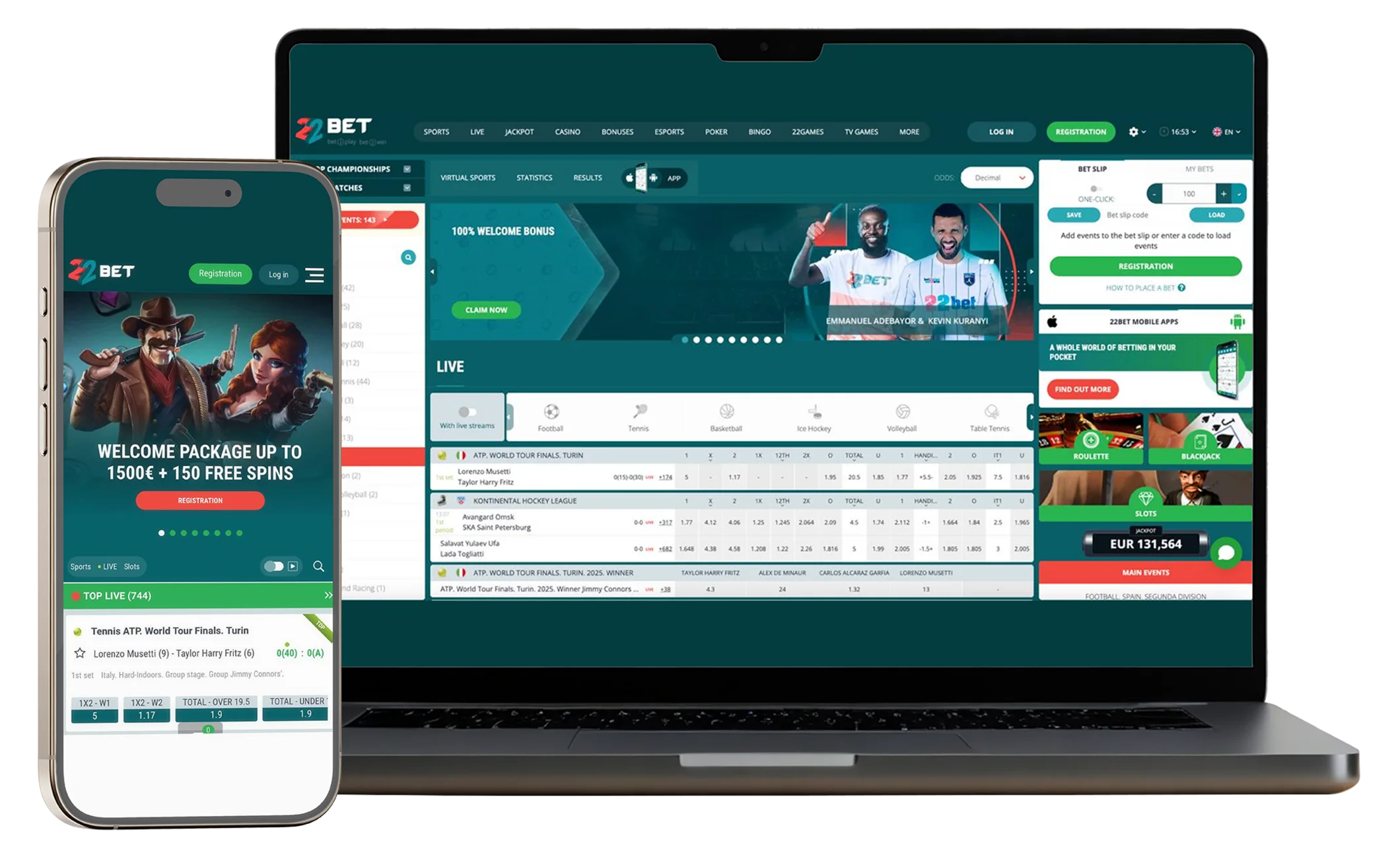
There are just two things the browser genuinely cannot do, and I would rather be upfront about them than pretend it is perfect. It cannot send you a notification when you are not looking, and it is a hair slower than the app on a fast live bet. If neither of those matters much to how you play, you can stop reading here with my blessing — you already have everything you need. If one of them made you nod, then the app is worth a look, so let me walk you through getting it.
Join Now
Putting the 22Bet app on your phone
Here is the one thing I really want you to take away, because it is where almost everyone gets stuck: iPhone and Android do not install this app the same way. Not a little differently — completely differently. Once you know that, the whole business takes a couple of minutes and you will wonder what the fuss was about. Find your device below and follow along.
If you have an Android phone
You will go looking for 22Bet in the Google Play Store and you will not find it — and that is normal, so do not worry that something is wrong. Google keeps real-money gambling apps out of the Play Store in a lot of places, so instead you download the app directly from the 22Bet site. It sounds a bit techy written down, but it is genuinely easy:
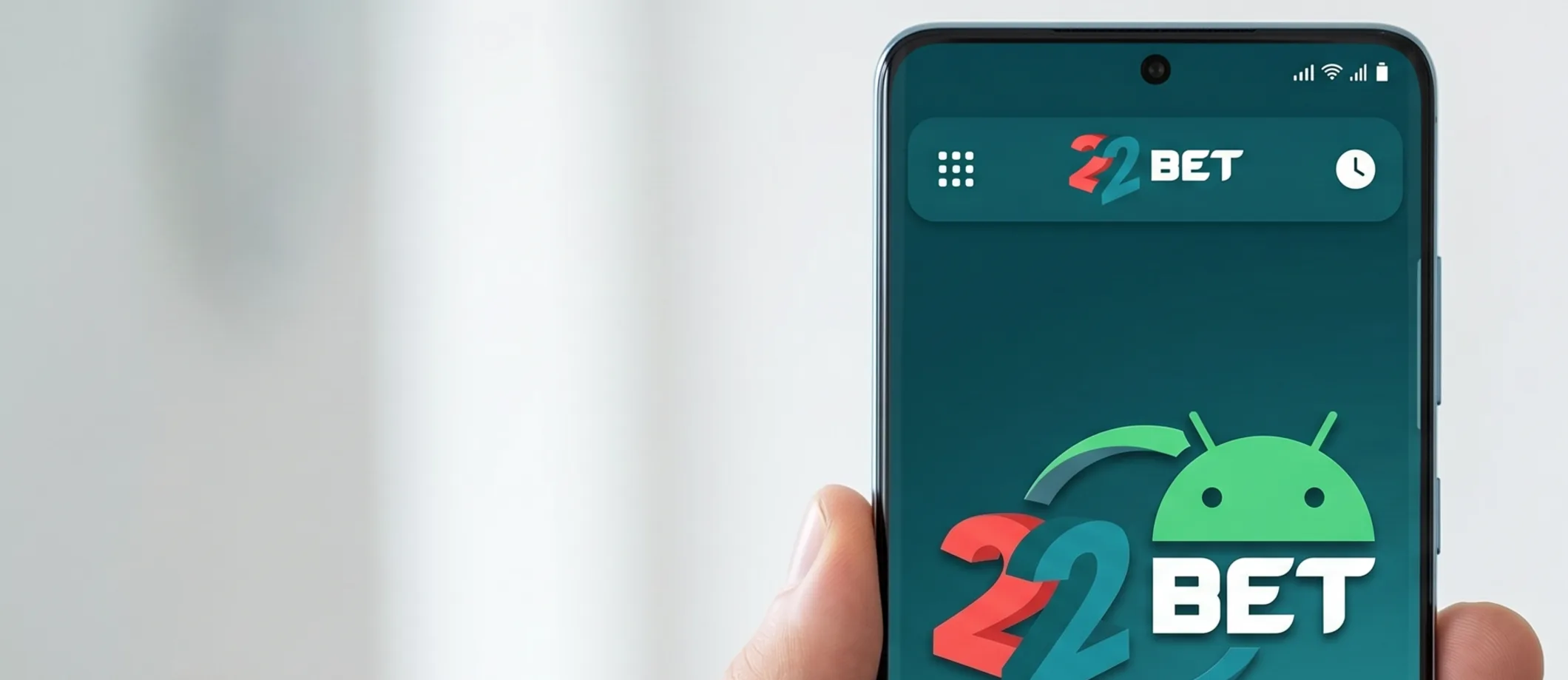
- From your browser, go to the official 22Bet site and look for the mobile apps section — the Android download lives there, and tapping it drops a file called 22Bet.apk into your downloads.
- Tap that file to begin. At this point your phone will pause and ask permission to install from unknown sources — give it a yes for this one file. The prompt usually appears by itself; if not, it is under Settings, Security.
- Let the little prompts run their course and the app installs itself, ready on your home screen.
- Open it up, sign in or create your account, and you are ready to bet.
 Download the
android app
The one rule I will underline twice: only ever download that APK from the official 22Bet site. That “unknown sources” permission is perfectly safe when the file is the real thing from the real site — it is only a danger if you go grabbing files from random corners of the internet, so simply do not. Once it is installed you can switch the permission back off; it makes no difference to the app. And when an update comes along, you just download the newest file the same way. A tiny bit more hands-on than tapping an update button, but nothing to lose sleep over.
If you have an iPhone or iPad
This one is the relaxing version — the ordinary App Store route, with just one small thing to watch.

- Search 22Bet in the App Store — but before you tap Get, glance at the developer to be sure it is the official listing rather than a lookalike. The foolproof way is to follow the App Store link from the 22Bet site itself, which lands you on the right one every time.
- It is a small app, so the download takes moments; open it and sign in with the details you already use.
- That is genuinely all there is to it on an iPhone.
 Download the
IOS app
There is nothing extra to set up on an iPhone, and it keeps itself updated through the App Store without you thinking about it. So if you happen to have both kinds of phone lying about, the iPhone is the gentler one to set up by a good margin.
When the 22Bet app actually helps
So what does the app give you that the browser does not? Honestly, it is not some secret feature locked away — everything is in both. Where you feel it is in the fast moments. Picture a match turning in the eightieth minute and you wanting to get a bet on before the price shifts: on the app, Quick Bet and one-thumb tapping mean you are done in a second, and that is the moment the app quietly earns its place on your home screen. That is the honest headline — the app is for people who bet while the action is happening.

Around that, a few smaller comforts add up. You can turn on notifications, so a price move or a short-lived promo taps you on the shoulder instead of slipping past. You can lock the app behind your fingerprint or face, which is a nice bit of peace of mind. And everything stays in step across your devices — start on your laptop at home, carry on from your phone on the bus, and your balance and settings come with you.
I will be even-handed, though: the app is a busy place, same as the website, and on a smaller screen all that information can feel like a lot at first glance. Give it a session or two. What looks like clutter on day one turns into “everything within reach” by day three — it is the same little adjustment the desktop site asks of you. And the important stuff runs smoothly: the live streams are sharp and keep up with play, which is exactly what you need when a bet turns on the next few seconds. Plenty of betting apps feel like a website in a cheap disguise; this one does not.

What your phone needs to run 22Bet
The nice surprise here is how little the app asks of your phone. The heavy part — the games and streams — comes in over the internet rather than living on your device, so it stays light and loads quickly even on a phone that has a few birthdays behind it. Here is the short version:
| System | You need | Good to know |
|---|---|---|
| Android | Android 5.0 or newer | About 30–50 MB free; download the APK from the official site |
| iPhone / iPad | iOS 11 or newer | Straightforward install through the App Store |
| Internet | Steady Wi-Fi or mobile data | Streaming likes a strong signal; plain betting is happy with much less |
Treat those numbers as a rough guide, since they nudge about a little with each update. If your phone is reasonably recent, there is nothing here to think twice about. On an older handset the live video might occasionally stutter, but placing bets will stay smooth regardless, because that part barely taxes the phone at all.
Keeping your account safe on your phone
One of the quiet joys of the app is that you can do everything from it — sign up, deposit, place your first bet — without ever opening a browser. When it comes to verifying your identity, it works just as it does on the website: the check usually turns up at your first withdrawal rather than at sign-up. The app makes that bit genuinely easier, mind you — you just photograph your ID and proof of address with the phone’s camera and send them off there and then, no faffing with files.
On the safety side, 22Bet does its part — the connection is encrypted, your account is verified, the usual protections are in place. The part that is on you is the phone itself, and it takes about two minutes: put a lock on your screen and, if the app offers it, switch on the fingerprint or face unlock. That way, if your phone ever wanders off without you, your betting account does not go with it. It sounds obvious, I know — but it is the obvious thing people skip, precisely because the app is always open and always handy.
Join Now
If the app is being difficult
Most hiccups sort themselves out in a minute, without you needing to message anyone. If an Android install will not get going, check you actually said yes to that unknown-sources prompt and that you have a little free space. If things feel sluggish or a stream keeps breaking up, nine times out of ten it is the connection rather than the phone — hop onto Wi-Fi and try again. If it will not let you log in, use the same details as the website; it is one account, there is no separate app sign-up. And if an update stalls on Android, just download the fresh file from the official site rather than wrestling with the old one. If none of that does the trick, there is a 24/7 live chat built right into the app.

App or mobile site: an easy side-by-side
If you like to see it all in one place before you decide, here is the quick comparison — and you will spot straight away that the two are level on nearly everything that counts:
| What you’re weighing | The app | The mobile site |
|---|---|---|
| Getting started | Download from the site (Android) or App Store (iPhone) | Nothing to download — just open your browser |
| Speed on a live bet | A touch quicker | Good, a whisker behind |
| Notifications | Yes | No |
| Fingerprint / face unlock | Yes | No |
| Offers, bonuses, banking | All of it | All of it |
| Who it suits | In-the-moment, live bettors | Everyone else, and anyone just starting out |
Look at the last row and you have your steer. The app only pulls clearly ahead on speed and notifications together — lovely if you bet live a lot, barely noticeable if you do not.

Frequently asked questions

So, is the 22Bet app worth it?
Here is where I land after living with it. The app does the big things well: it carries the whole platform without trimming anything, it runs happily on older phones, and for live betting it is a genuine step up on the website. The only real stumble is getting it installed, purely because iPhone and Android go about it so differently and the site does not spell that out. Keep “Android from the site, iPhone from the App Store” in your head and even that melts away.

And my honest steer? If you bet in the moment, while the match is on, most days — get the app, you will feel the benefit. If you dip in now and then, the mobile site will look after you beautifully and save you the download and the updates. There is truly no wrong answer here, because whichever you pick, nothing about the experience gets left behind on the small screen. That is the bit that matters.
One last friendly word, the same on every page: set your deposit and time limits the day you install, not the day you wish you had. The app is always right there in your pocket — and that convenience is the very thing worth keeping a gentle eye on.
Join NowResponsible gaming
Having the app in your pocket makes betting easy — and easy things are easy to overdo. Set your deposit and session limits inside the app itself, and lean on the play-time reminders if your sessions tend to run on. The self-exclusion tools are there on mobile too. Eighteen and over. If betting stops being fun, step away, take a break, and reach out for support — specialised services are available in your country.
